Today trying install iLife’11 with High Sierra,
iLife’11 contains (iPhoto, iMovie, GarageBand, iWeb, iDVD … )

Today trying install iLife’11 with High Sierra,
iLife’11 contains (iPhoto, iMovie, GarageBand, iWeb, iDVD … )
I hadn’t turned on my iMac for a long time. It was once my backup computer, running OSX Snow Leopard, The operating system had become very outdated, with many limitations. I mainly used it for watching movies, editing photos, and creating videos with iMovie.
Recently, I decided to give it a second life by updating it to the latest macOS it officially supports.
OS X El Capitan USB installer to perform a clean installation, and it was successful. After that, I copied VLC Media Player from my Mac Pro, and it was able to play most of my MKV movie files without any issues.
Once El Capitan was installed, I started researching the newest macOS that this iMac could officially run. I then upgraded through each supported version:
Snow Leopard 2009 >> El Capitan 2015 >> Sierra 2016 >> High Sierra 2017
The entire upgrade process took around 1–2 days to complete. The original hard drive was probably the biggest bottleneck, making the installation and updates extremely slow.
Should update HDD >> SSD to get better performance.
* Next target update
1). HDD >> SSD 1TB
2). 4 x 2gb = 8gb >> 4 x 4gb = 16gb
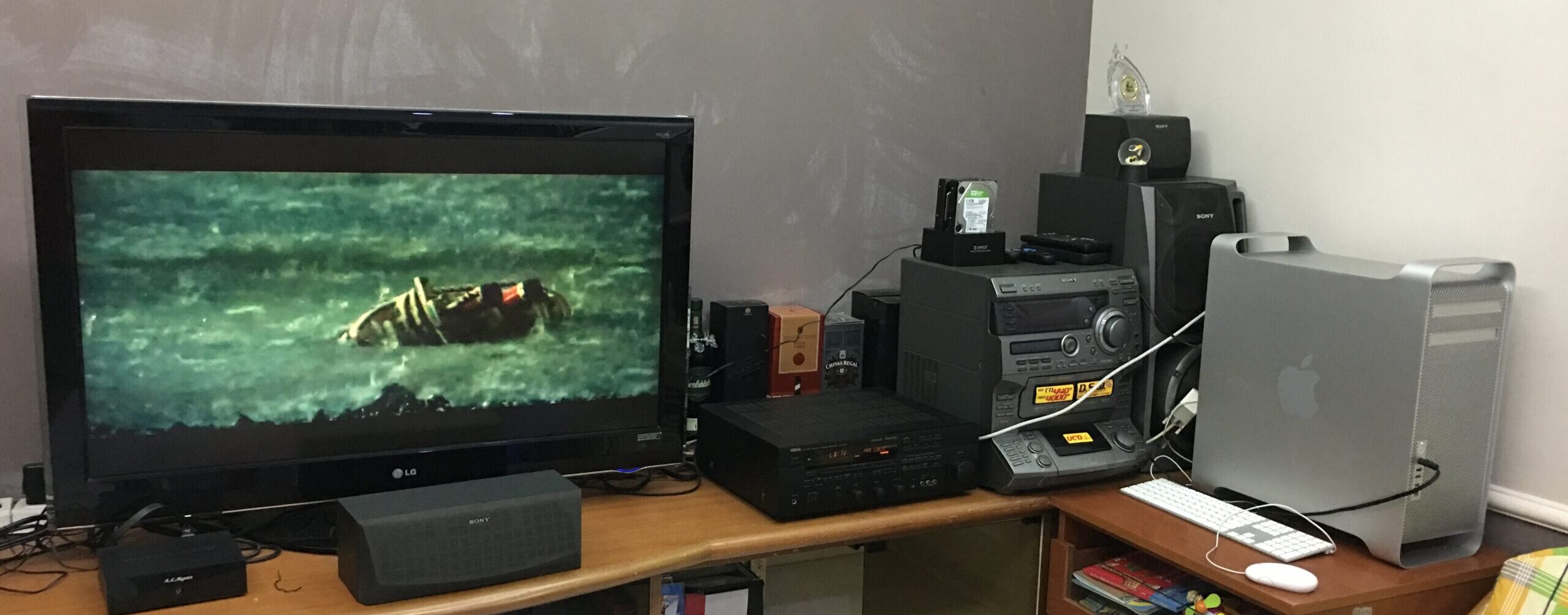
The second thing I did was install OpenEmu, transforming this old iMac into an excellent retro gaming and media system, With a PS4 DualShock controller, it becomes a perfect setup for classic console games while still serving as a great machine for watching movies and everyday use.
After 17 years, this iMac has a new lease on life.
( very enjoying the upgrade process)
For a computer released in 2009, I’m impressed by how capable it still is. With an SSD, 16GB of RAM, and High Sierra, it remains a useful machine for media playback, light creative work, retro gaming, and running many classic applications.
Next, will try install some software and try the old beast limit.
MacBook Pro 17inch – Project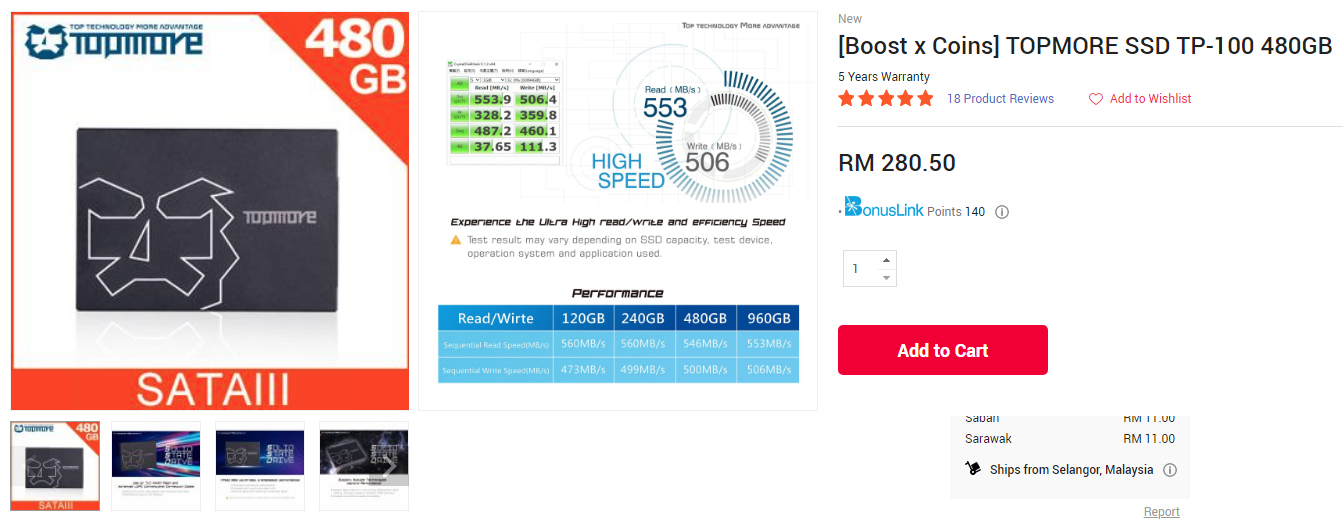
SSD – Topmore TP100 SSD TLC 2.5″ SATA III 480GB – RM11 (Delivery) claim by boost 28100 coin x 1pc
Plan for upgrade my Macbook Pro to get better performance,
and want to update the OSX Snow Leopard to EL Capitan.
Make fun with my MBP .. please don’t get me any problem .. .. please.
Unscrew and screw it .. unplug and plug … easy job, done.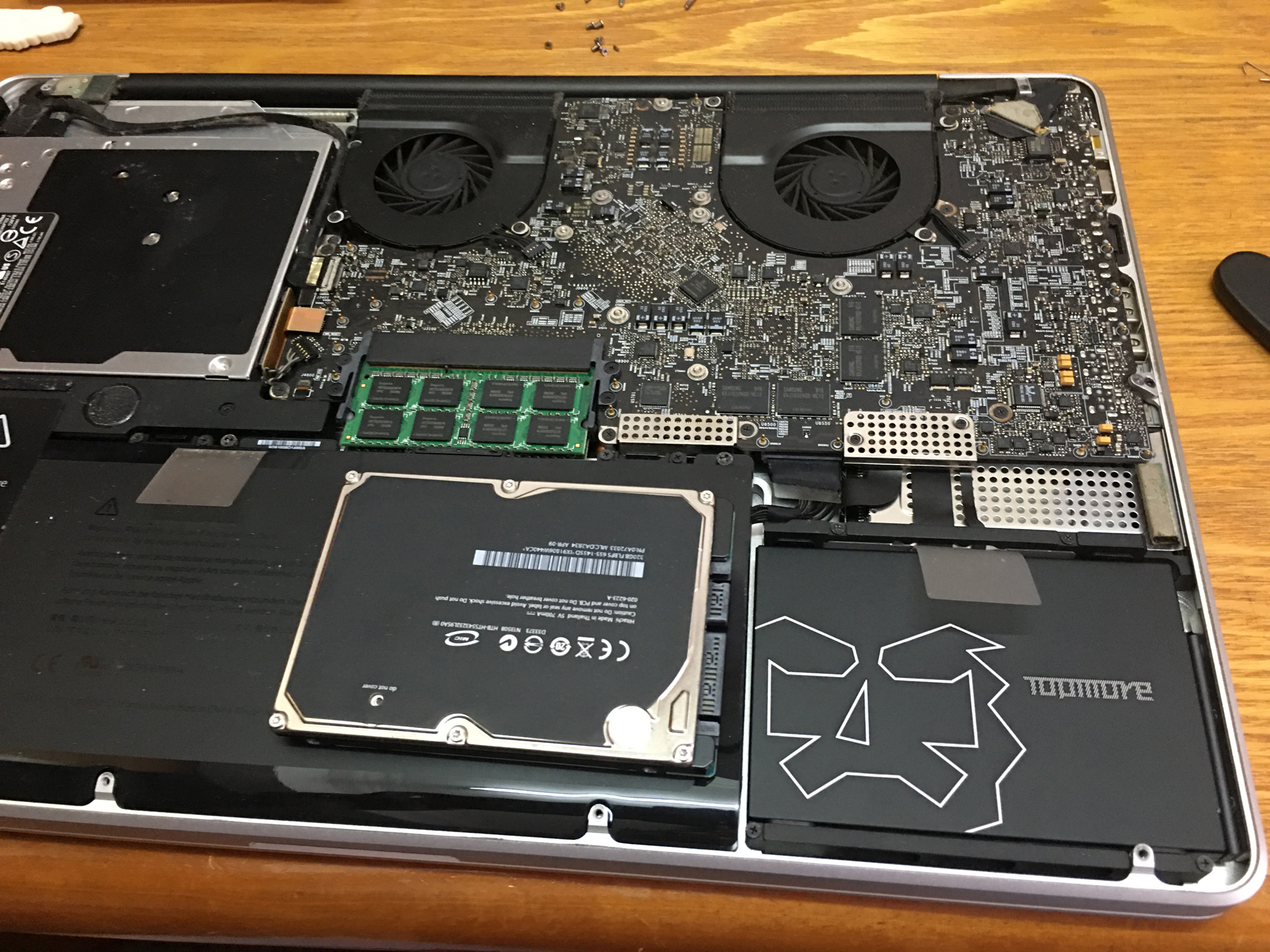
Download EL Capitan from website https://support.apple.com/en-us/HT211683 , double click try upgrade but can’t update, try to use OSX snow leopard to create the USB installer, try few time also can’t success, check google only i discover snow leopard can’t generate the bootable installer OSX.
I have to use my macpro EL Capitan to create the USB installer.
sudo /Applications/Install\ OS\ X\ El\ Capitan.app/Contents/Resources/createinstallmedia --volume /Volumes/MyVolume --applicationpath /Applications/Install\ OS\ X\ El\ Capitan.app
I use the bootable USB installer to upgrade my MBP snow leopard,
Finally .. no more error message and manage to upgrade also.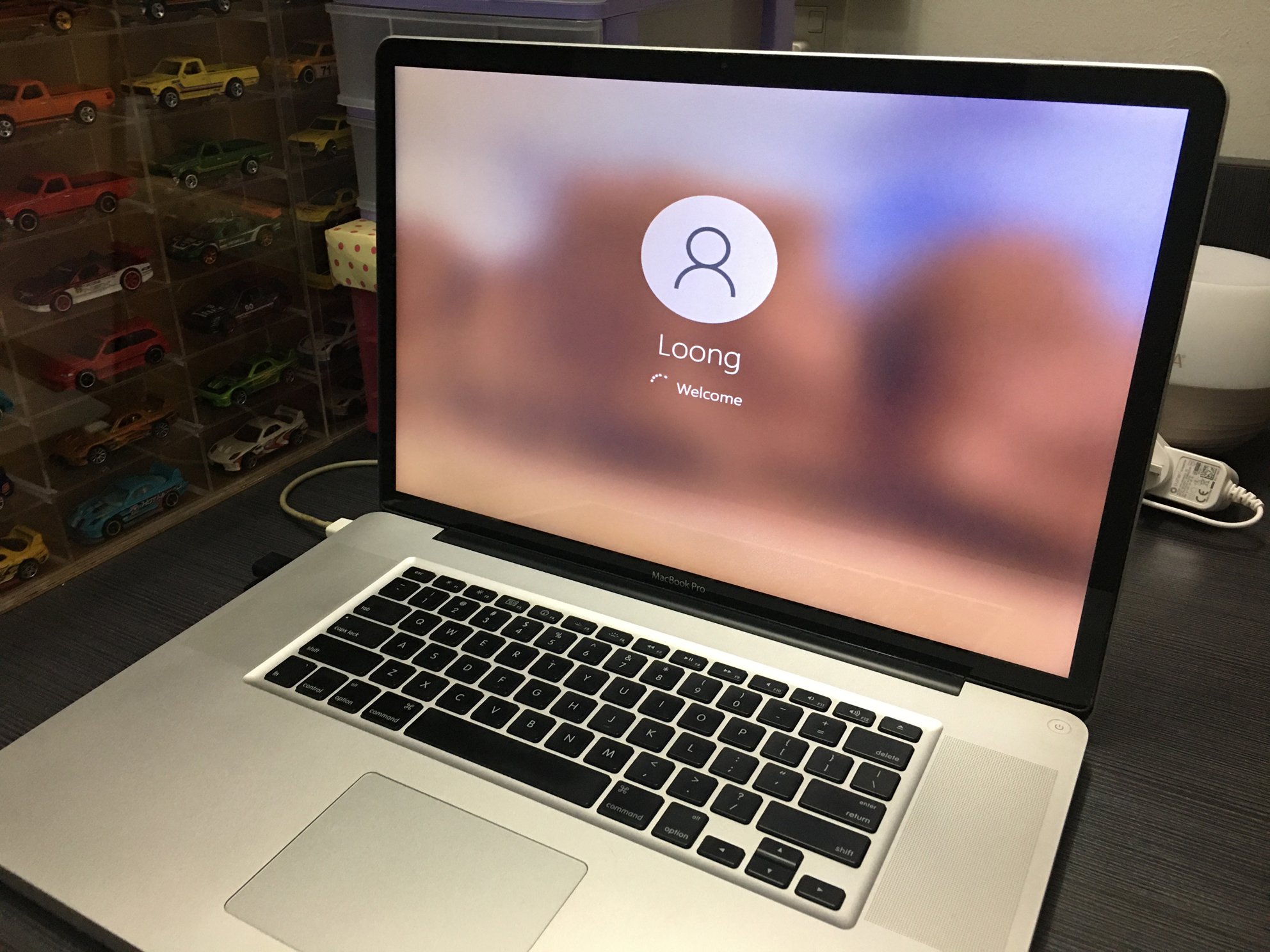
Previously snow leopard + VMware Fusion(win xp)
I planning to install bootcamp install with win7 / win10 .. want to try another way to install the window at mac.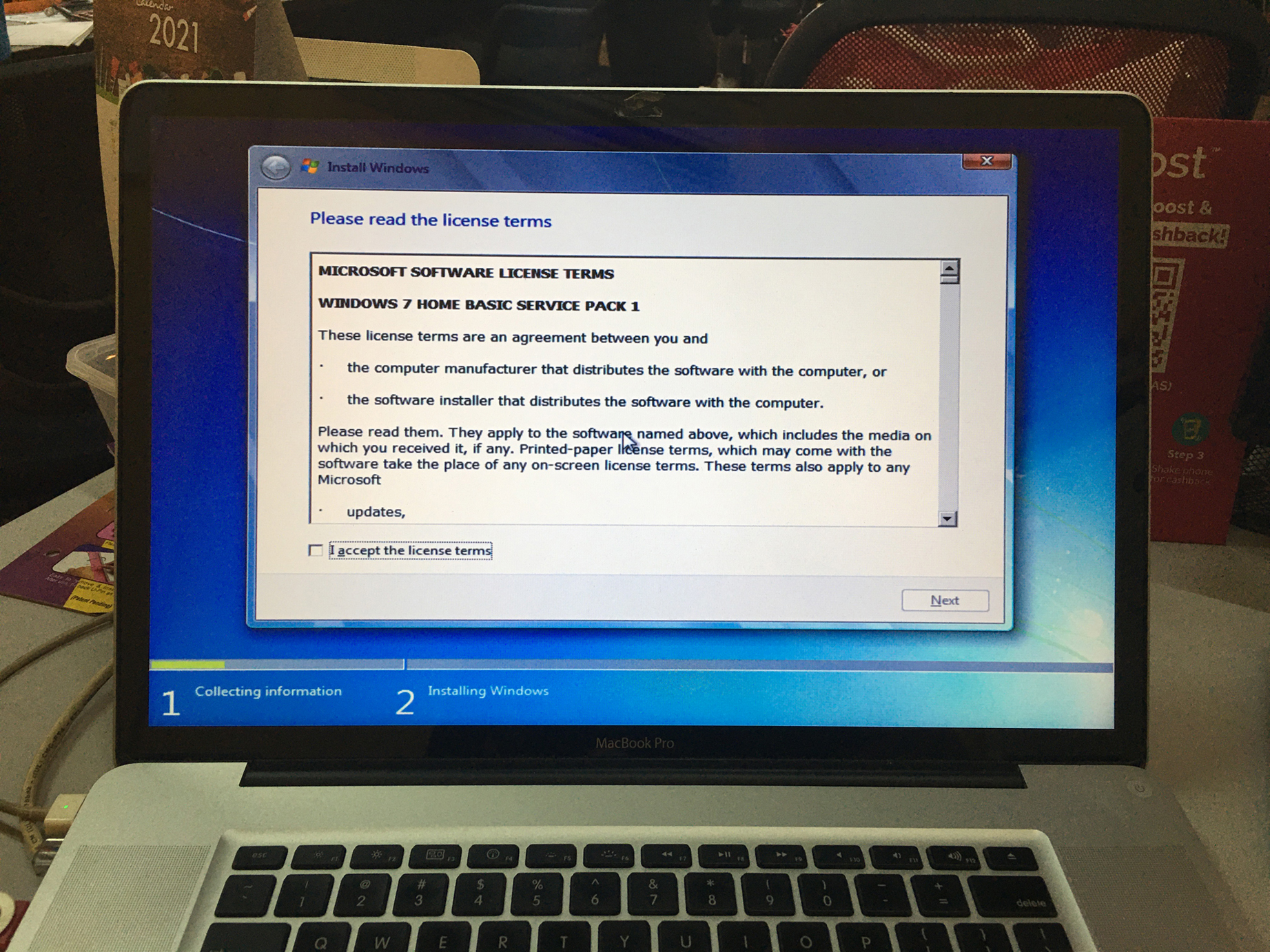
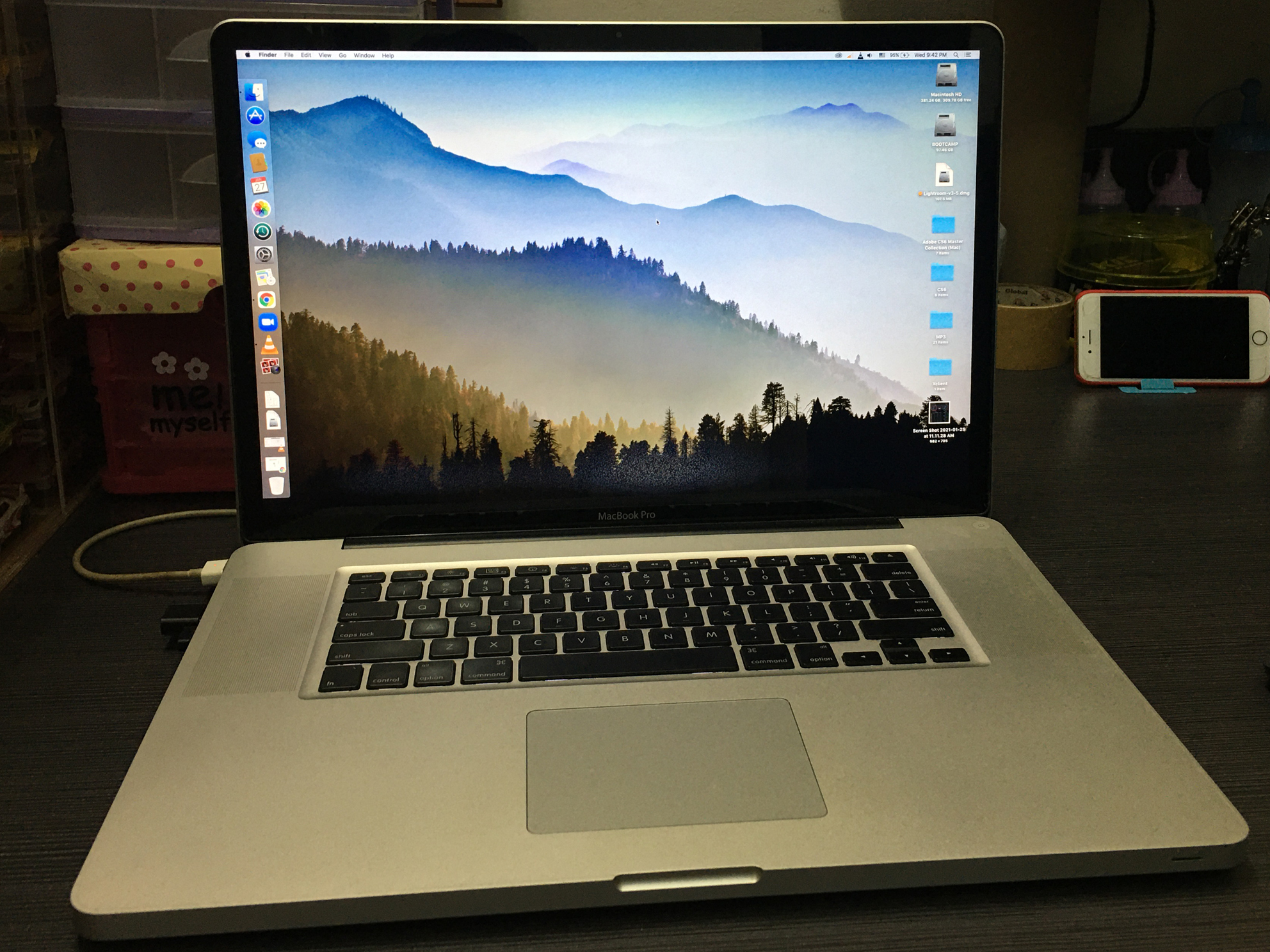
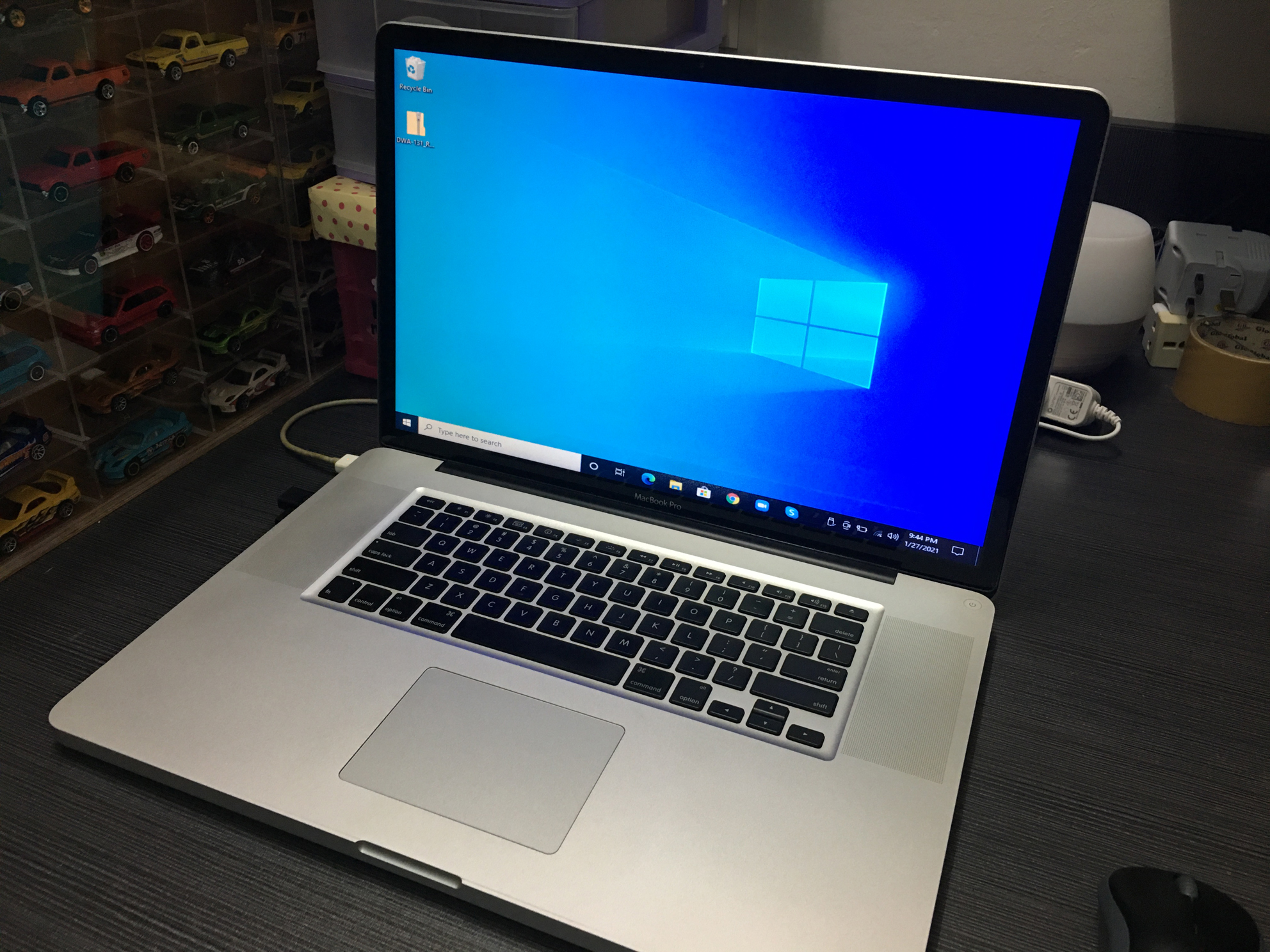
I use installer win7 cd to install window at my mac, then only i using bootable installer to upgrade to win10. I can’t manage to use the USB bootable to install win10, OSX it doesn’t show the selection compare by google research.
Win10 download form this link
https://www.microsoft.com/en-au/software-download/windows10ISO
I use the ISO file create the win 10 USB bootable installer.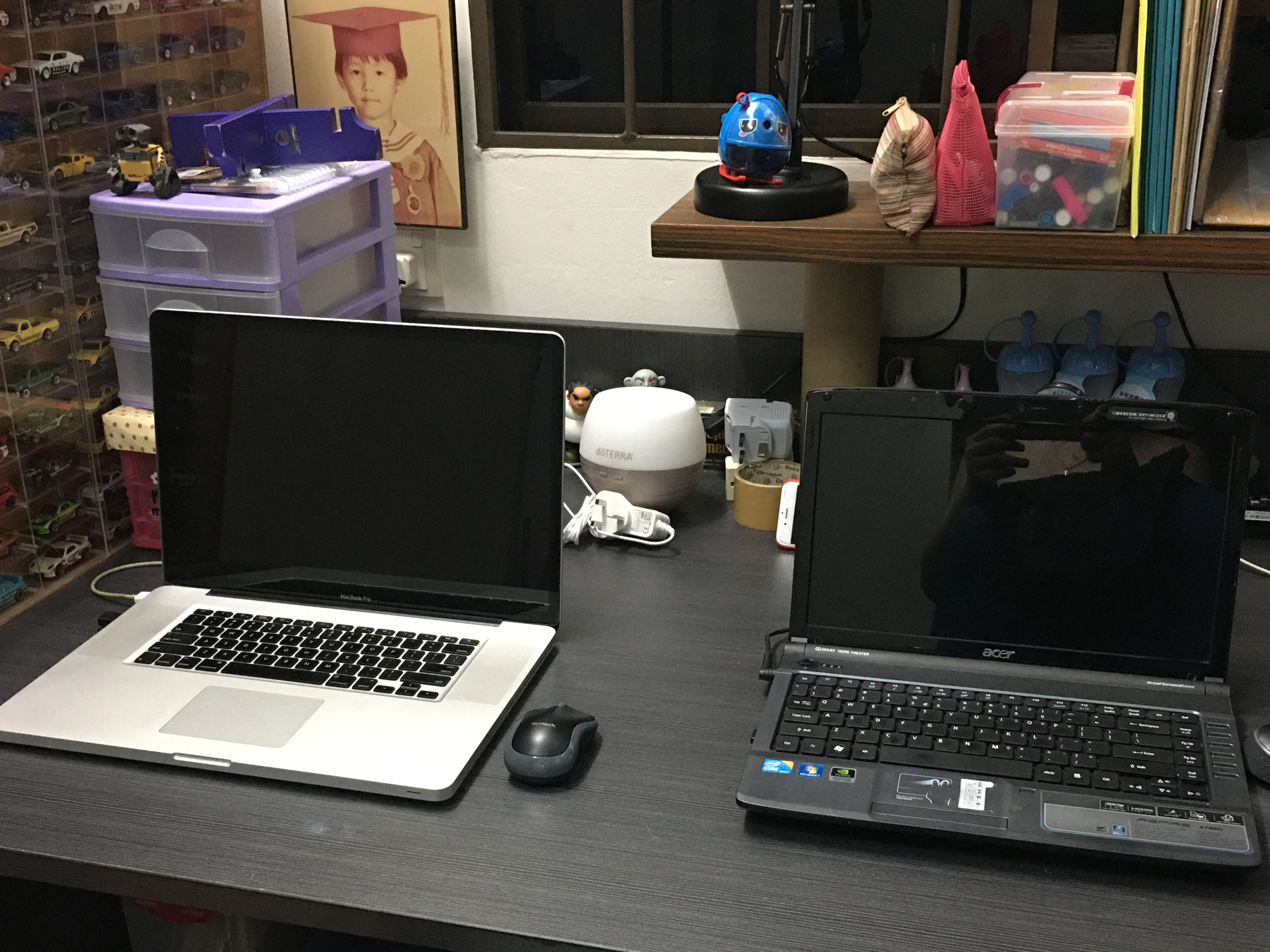
Install 2 operating system just for fun .. haha after install trackpad mouse can’t function and i have to google and study how to settle .. .. i found a link and installer, Luckily it work and my trackpad can function properly.
I have try using win10 few time, don’t know is it need to do any setting or something i miss. MBP system fully function and fan loudly, very hot also.
I have a wifi USB , so i try install the wifi USB driver at win10, Because my MBP wifi card is broken and can’t function. I have to use network cable to connect internet and download the wifi usb driver. I surprise and found there are win and osx driver, which the wifi usb packaging didn’t show support mac.
and it function during download the driver, i found actually this model which i have can support OSX.
Restart boot with EL Capitan and install USB wifi driver .. .. surprise the wifi usb can work.
This temporally solve me a big problem, if not i have to find a way to installer the network cable form modem to my study room.
Wired project can on hold .. ..
After update majorly for entertainment and kids zoom class.
Hopefully it can function another 10 year .. .. cheers.
———————————————————————————————————–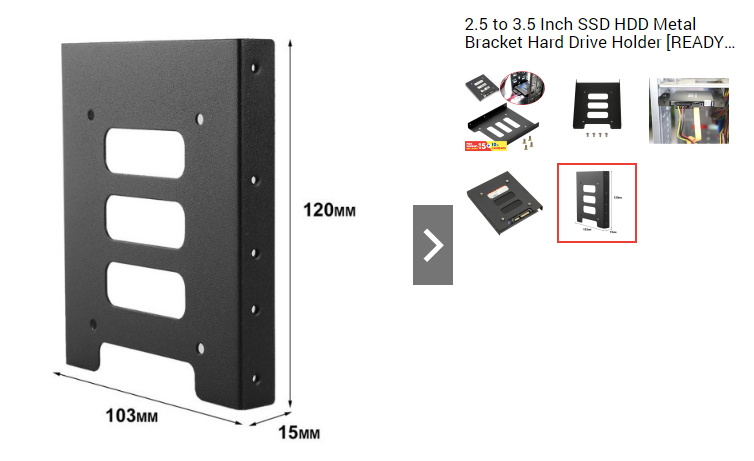
2.5 to 3.5 Inch SSD HDD Metal Bracket Hard Drive Holder x 4pcs – RM19.60 Shopee)
Waiting my bracket + SSD set as boot disk, planning install the harddisk under optical drive. Planning to try time machine back up / install window 10 / upgrade to high sierra .. etc. Hope can make some fun with Apple.
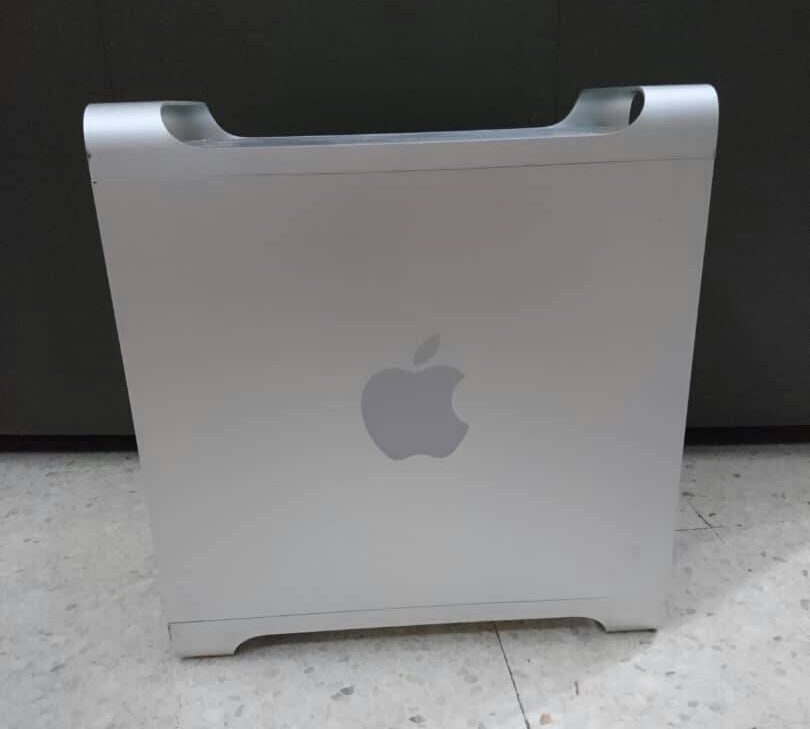
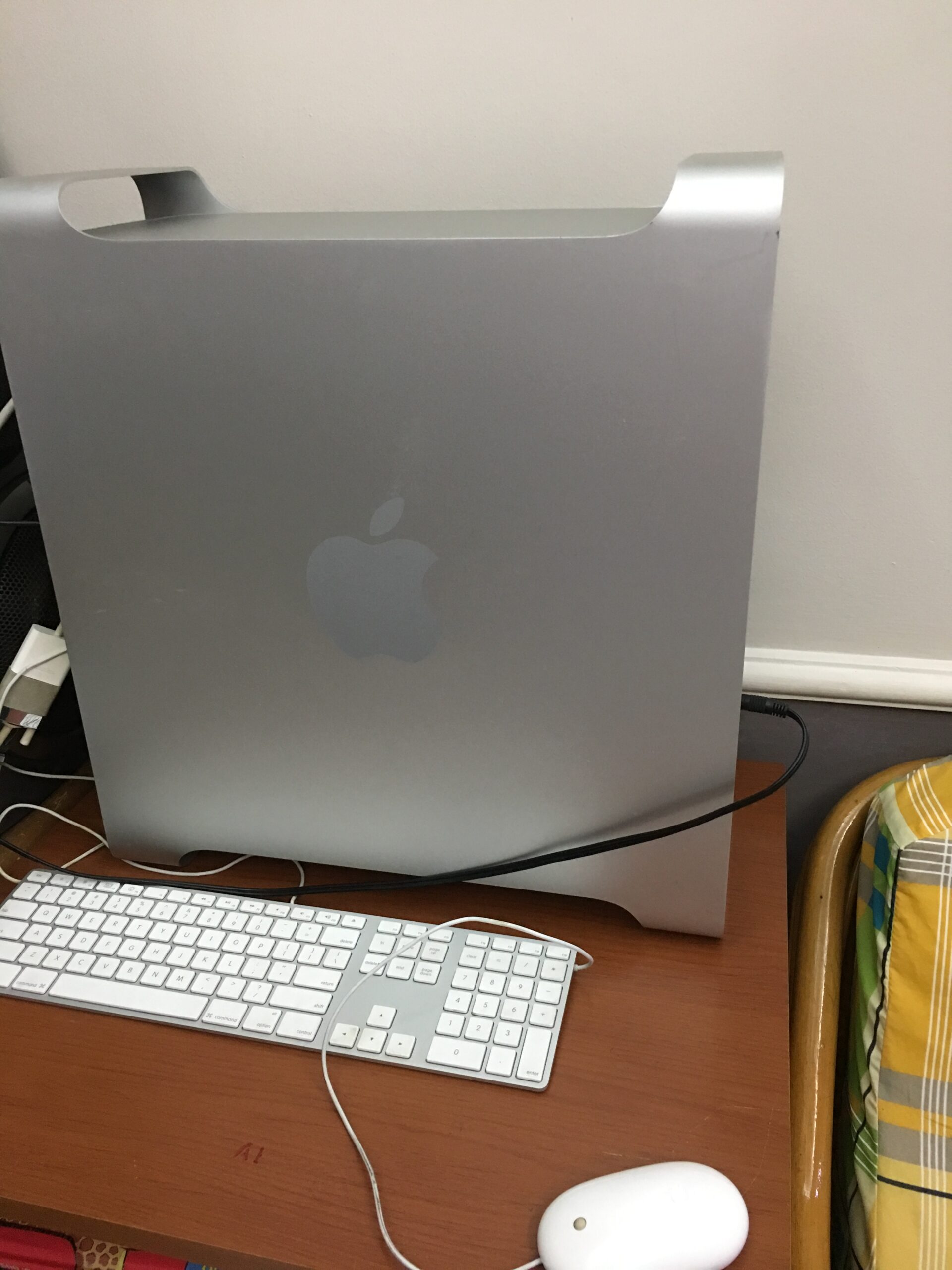
Year 2010/12 ver one macpro cost around USD2xxx, i bought at year 2018 cost me RM1300.
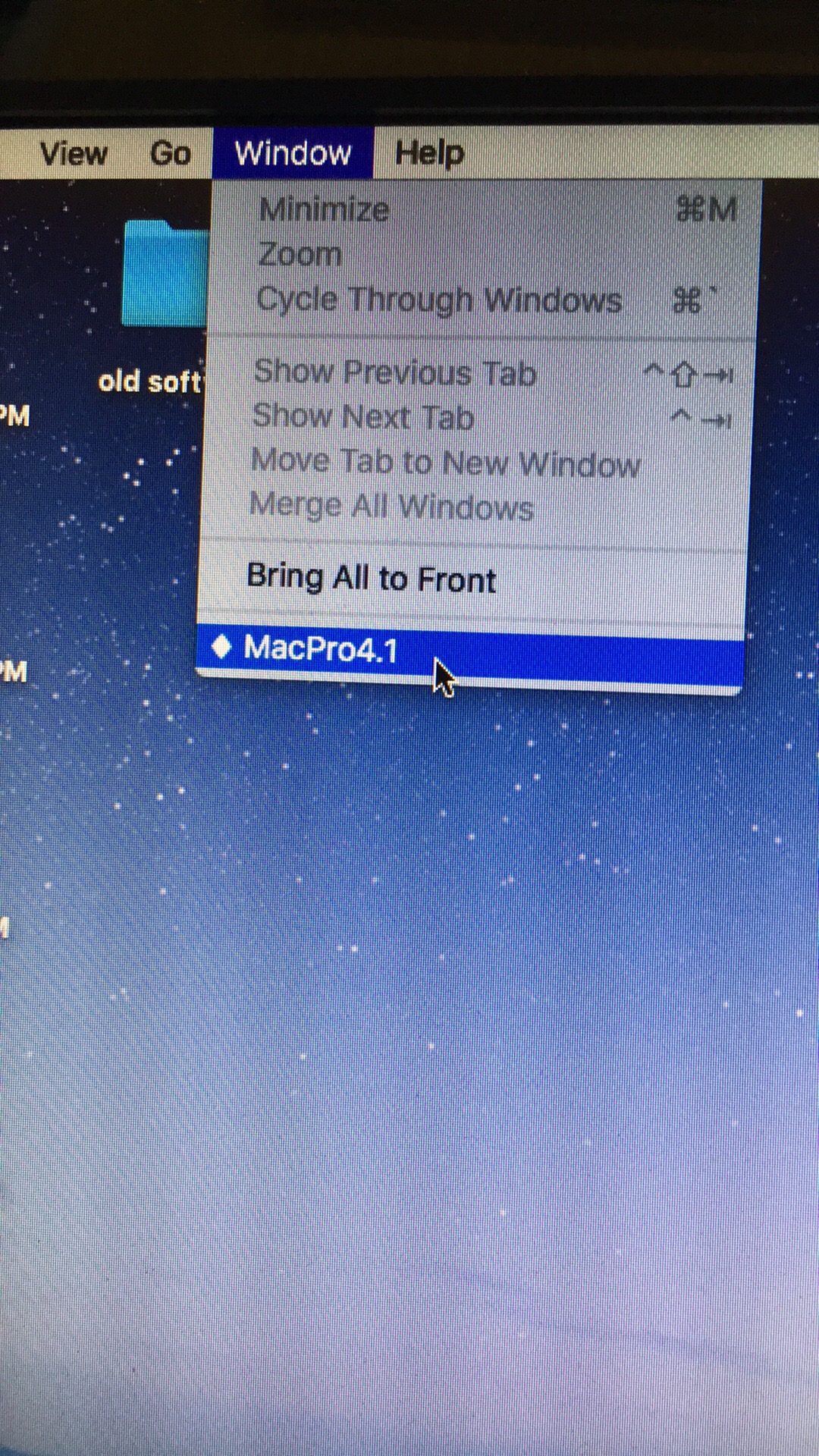
Bought a new toy MacPro 4.1 tower, i decide to upgrade the hardware to get better performance. I want to do it because my friend did it and he can share the knowledge and guide me how to upgrade too.
Because of his guide, tower haven’t reach to me, some of the hardware part are ready.
( After research these the list which i bought .. .. )
1). Macpro 4,1, RM1300
2). CPU processor x5690 / 3.46GHZ / 6 core is cost me around
RM285/pc (Not include shipping cost).
3). Hyrix 8gb ECC DD3 / PC3-10600R 1333mhz
RM128 x 4pcs. (Not include shipping cost).
4). Debroglie USB 3.0 / 4port
RM110/pc. (Not include shipping cost).
5). MK-TOL-3375-03.0 Mr.Mark 3MM Extra Long Hex Key Wrench
RM14.65/pc (Include shipping)
6). Thermal Grizzly Kryonaut
RM34/pc. (Include shipping)
All cost me around RM2150.00.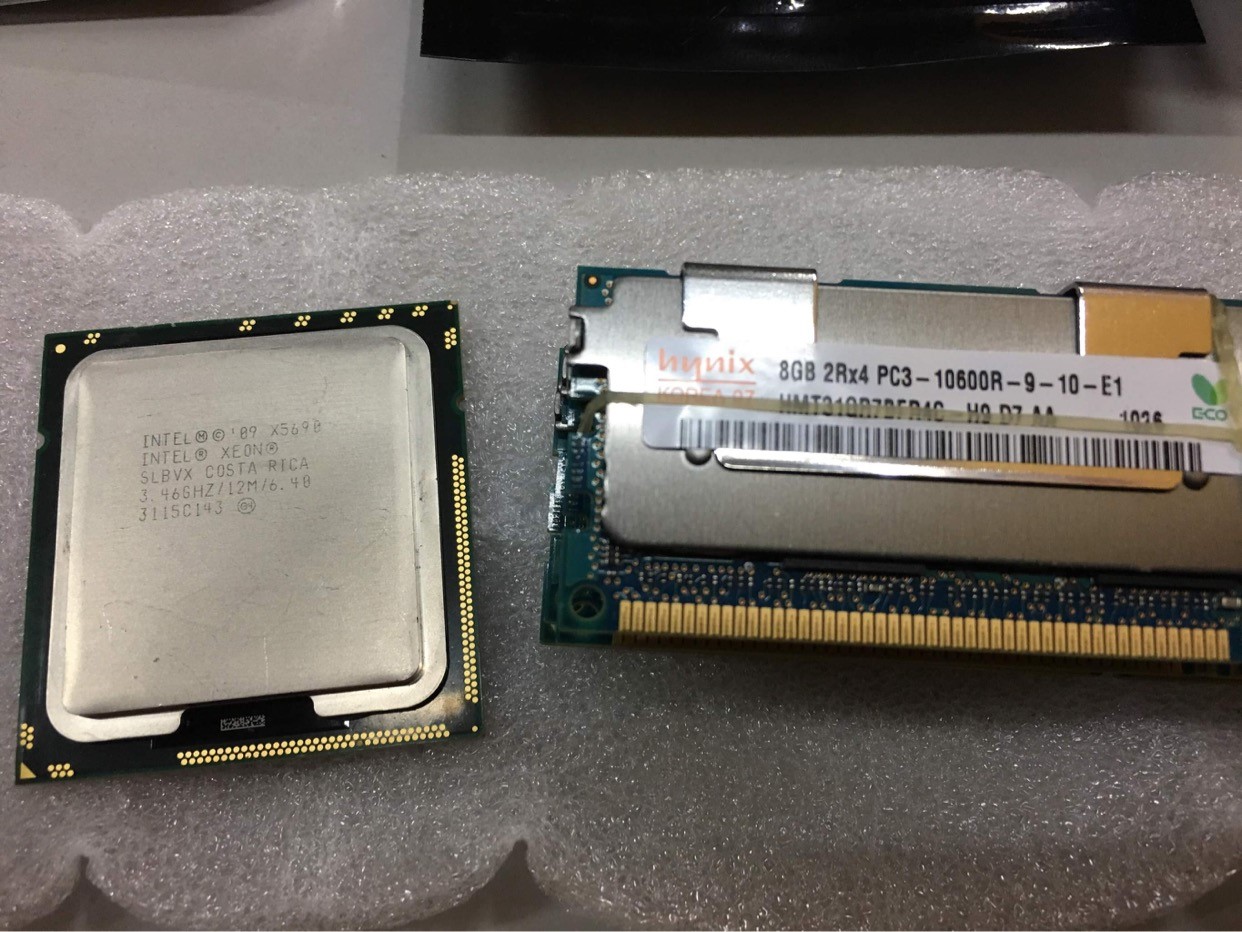
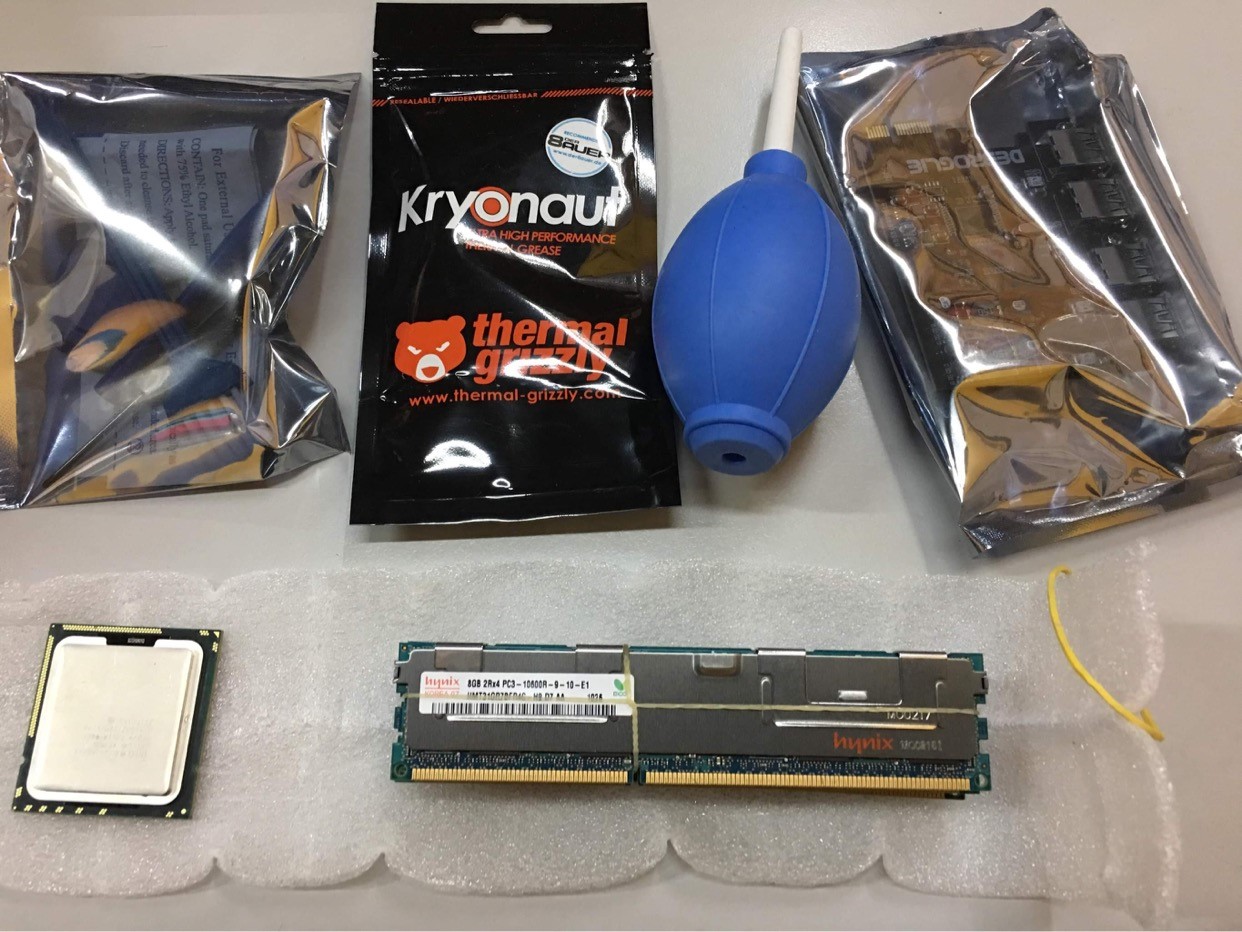
It took me a month to delivery the tower to me, because delivery by ship.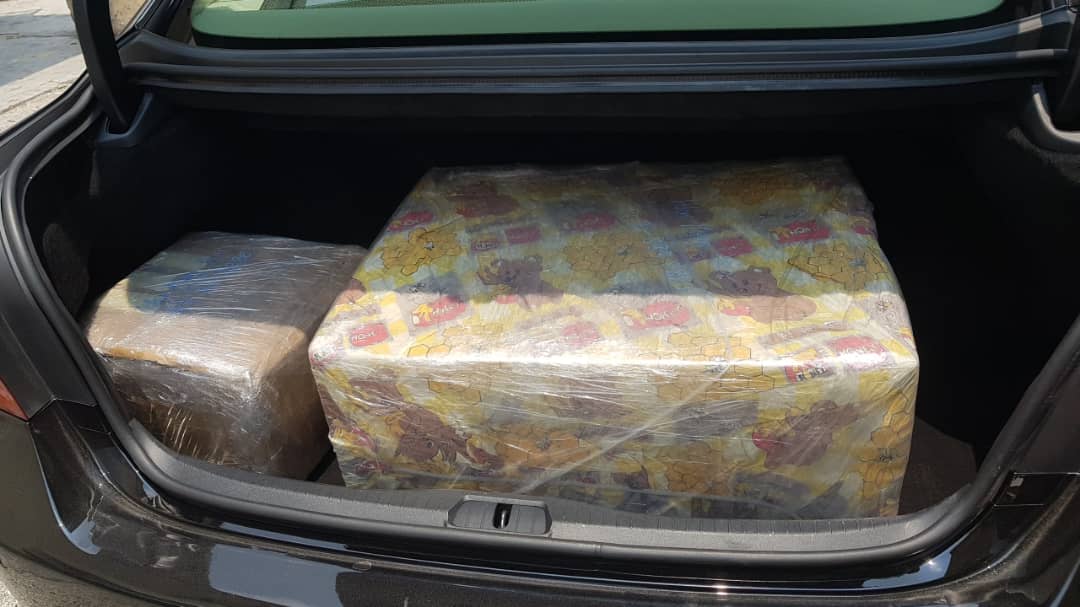
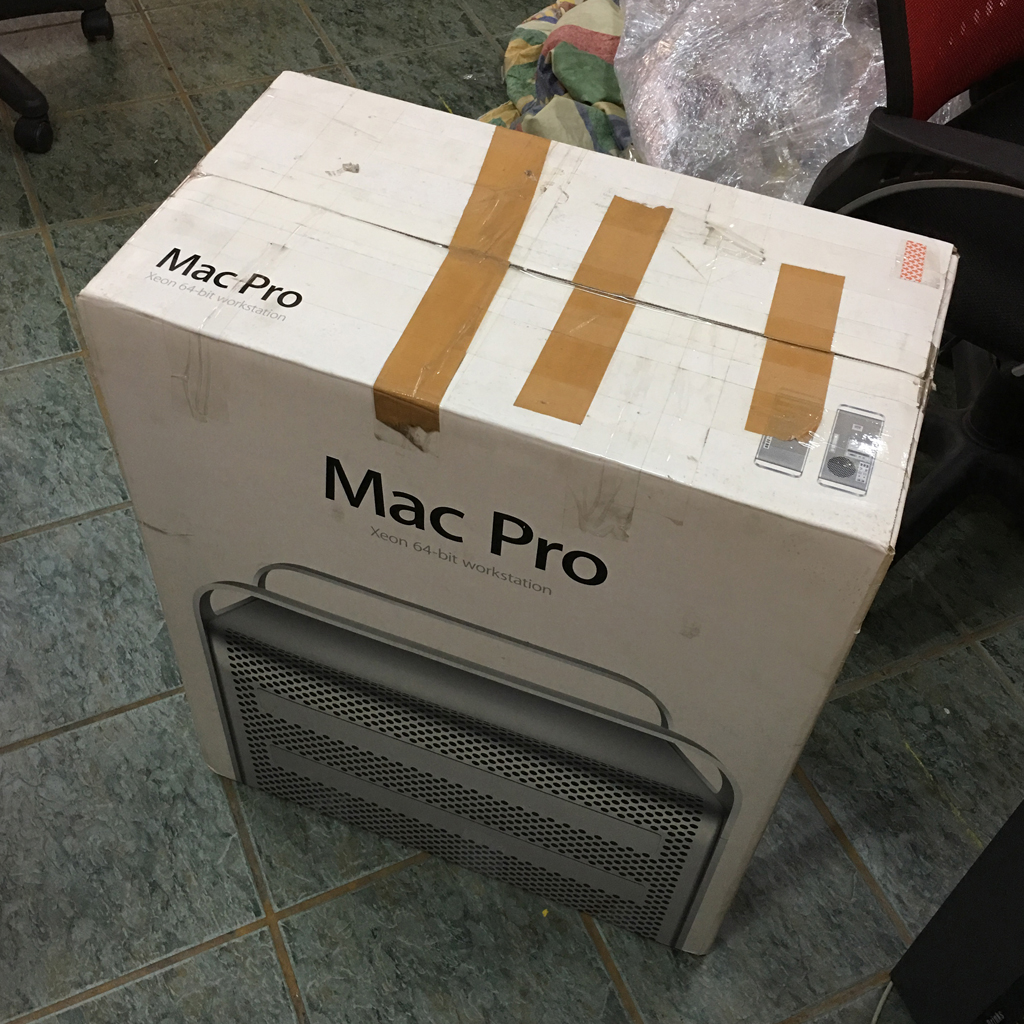
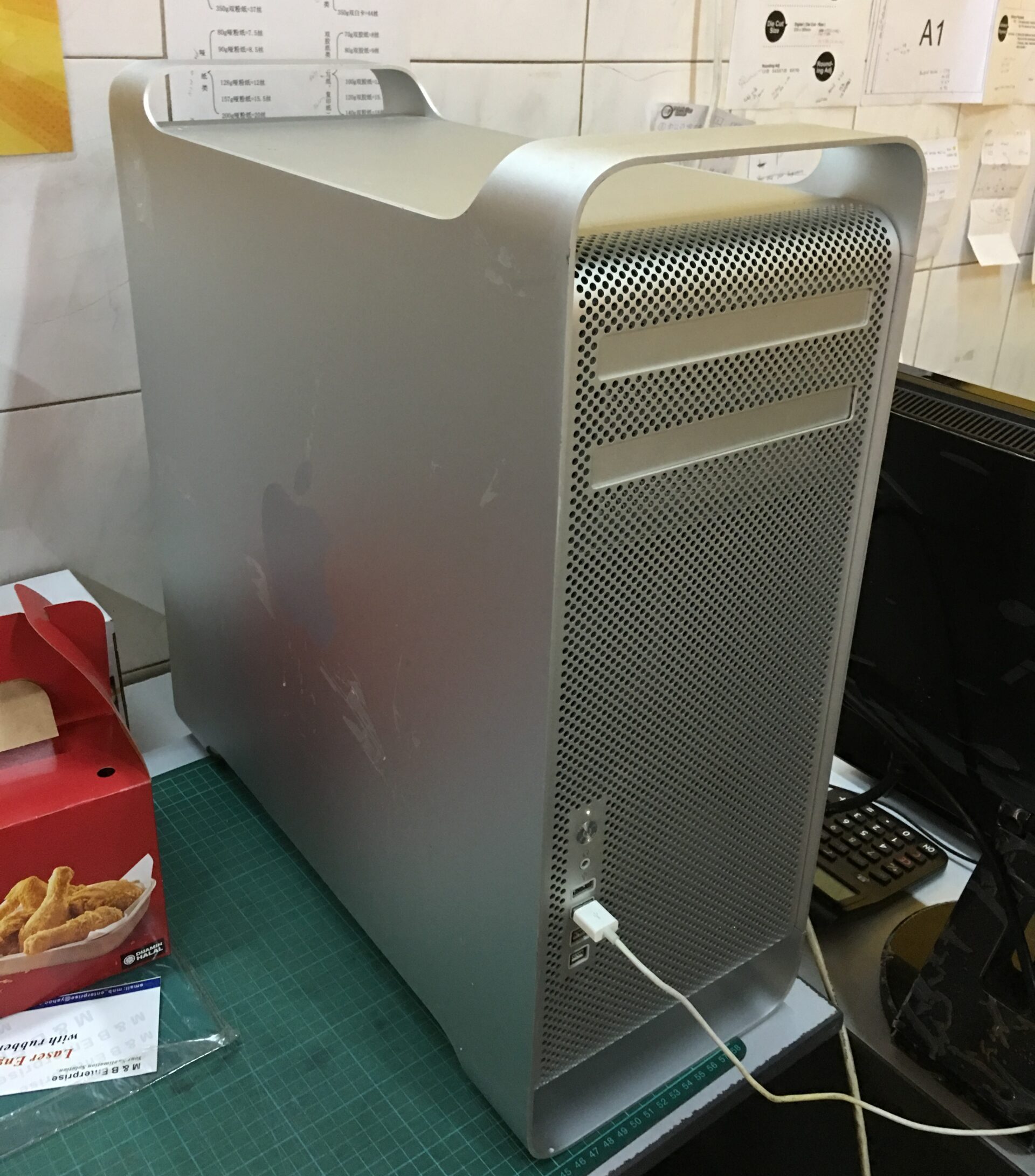 After Upgrade and clean up i have to flash the firmware macpro 4,1 to 5,1
1). csrutil disable.
2). follow the link and download tools and macproEFIUpdate.dmg
3). restart with audible sound
but, not manage to flash firmware to 5,1 .. .. ..
I have to figure out what problem and any miss step.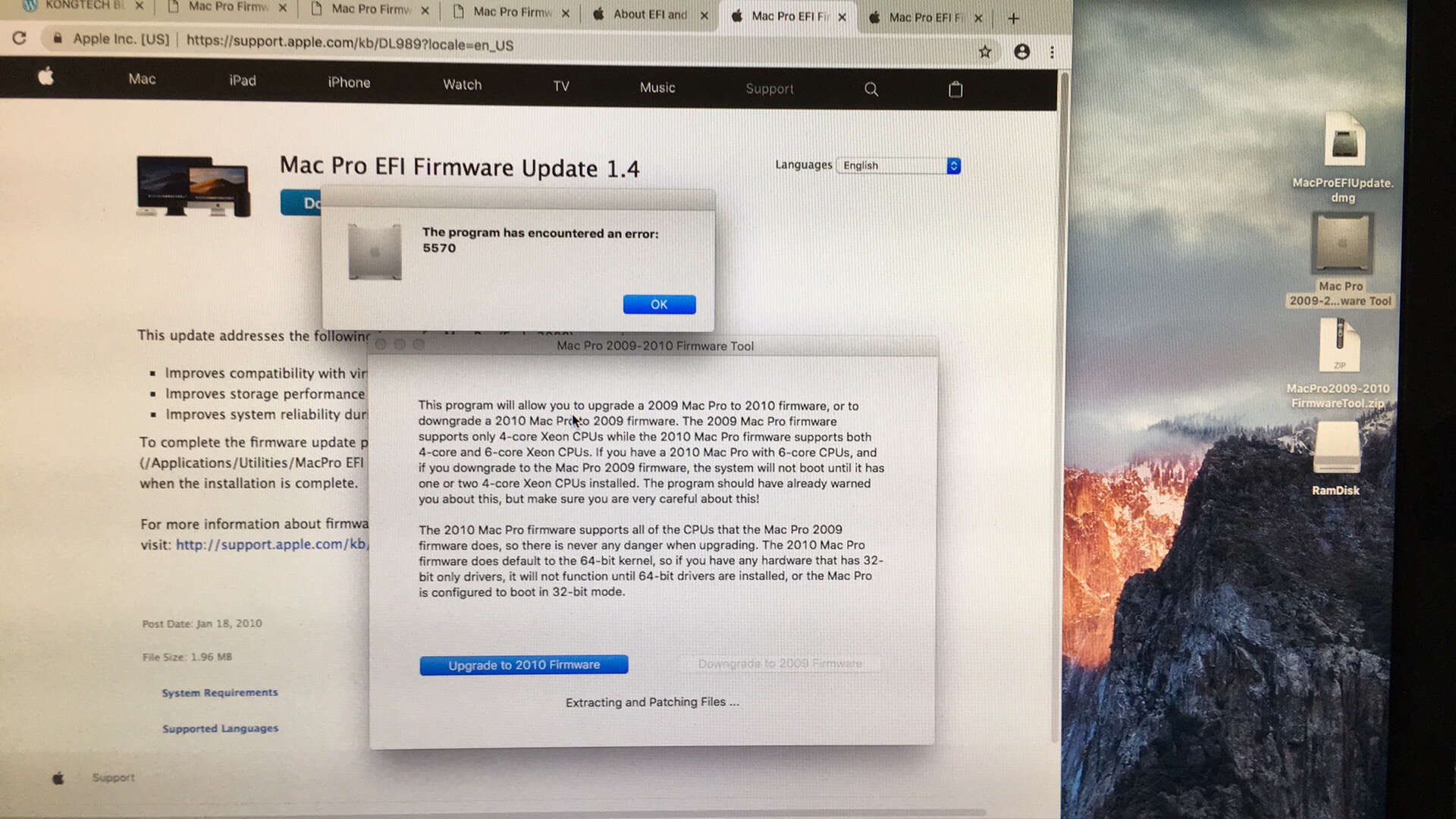
Because of the firmware never upgrade before that why need to step by step. Next
I have to reset my PRAM, 4,1 support 1066MHz, after flash the firmware should be can support 1333MHz, which my hardware / ram is 1333MHz also. Haha .. don’t know is it any different withing this 2, just want to figure out the solution.
https://www.makeuseof.com/tag/reset-macs-smc-pram/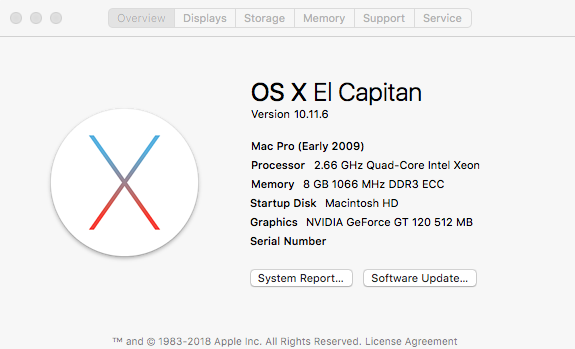
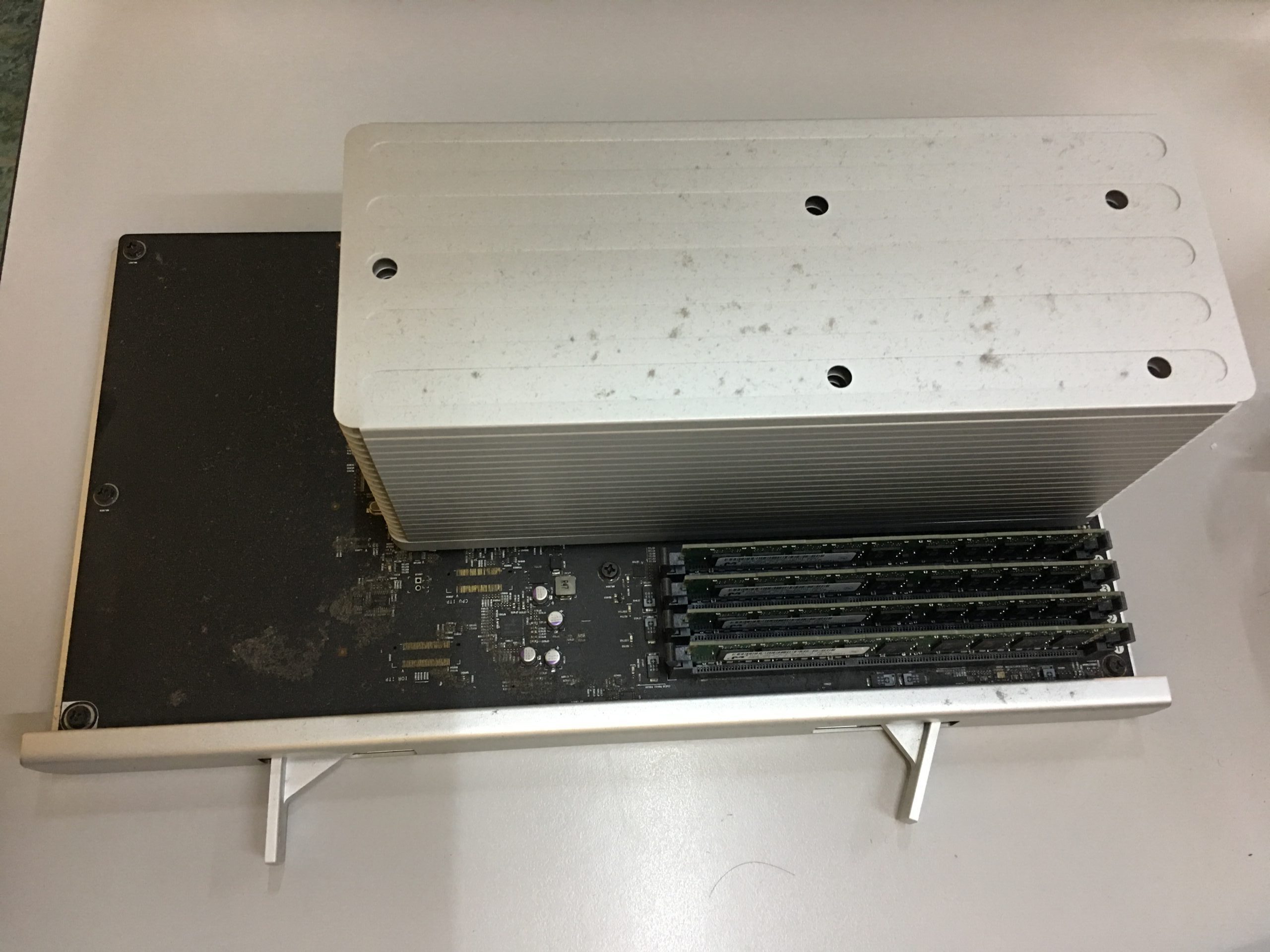
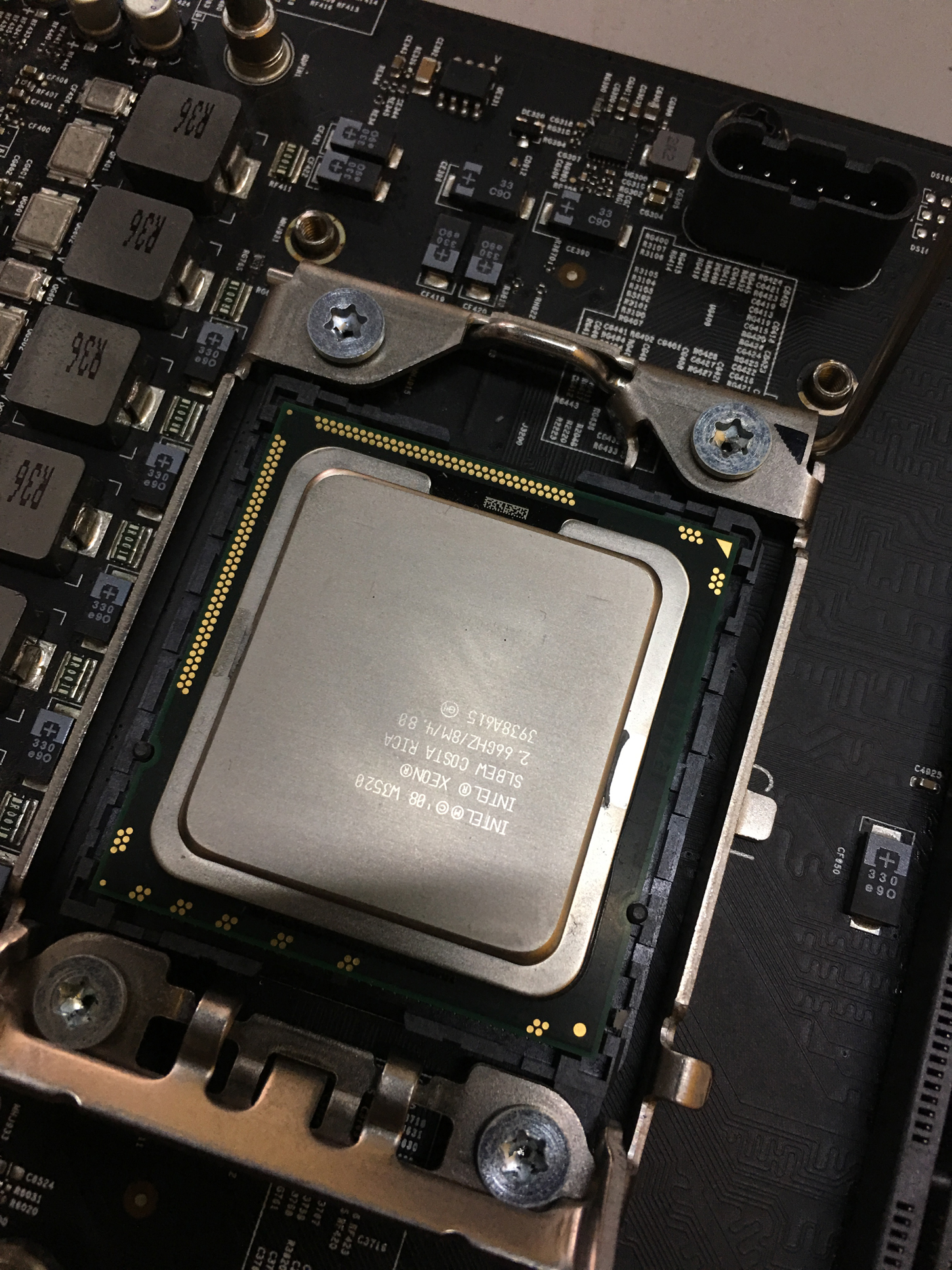
This old processor and ram .. will replace 2.66 to 3.46, 8gb ram to 32gb ram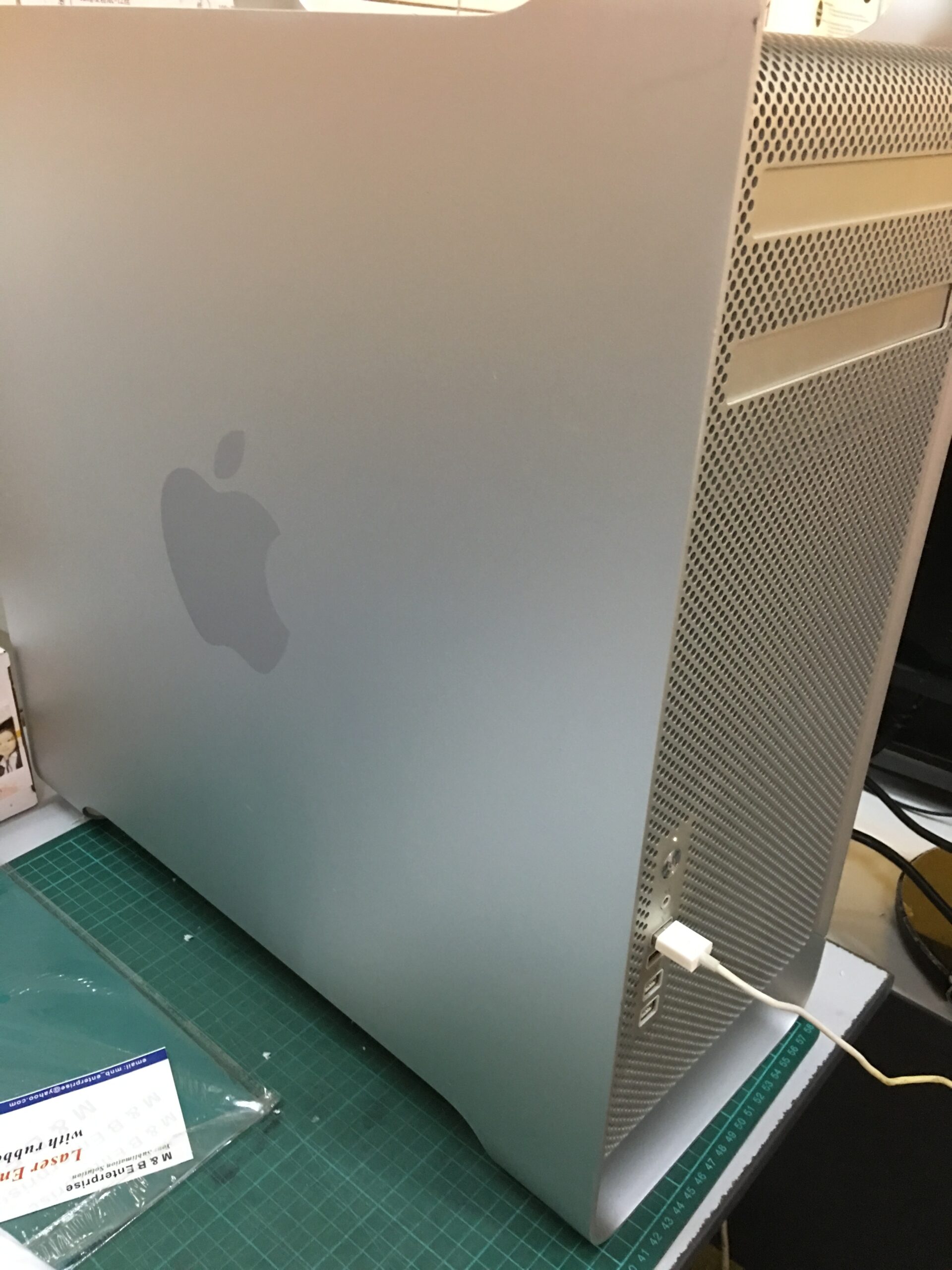
After clean up and upgrade .. it look like new to me now.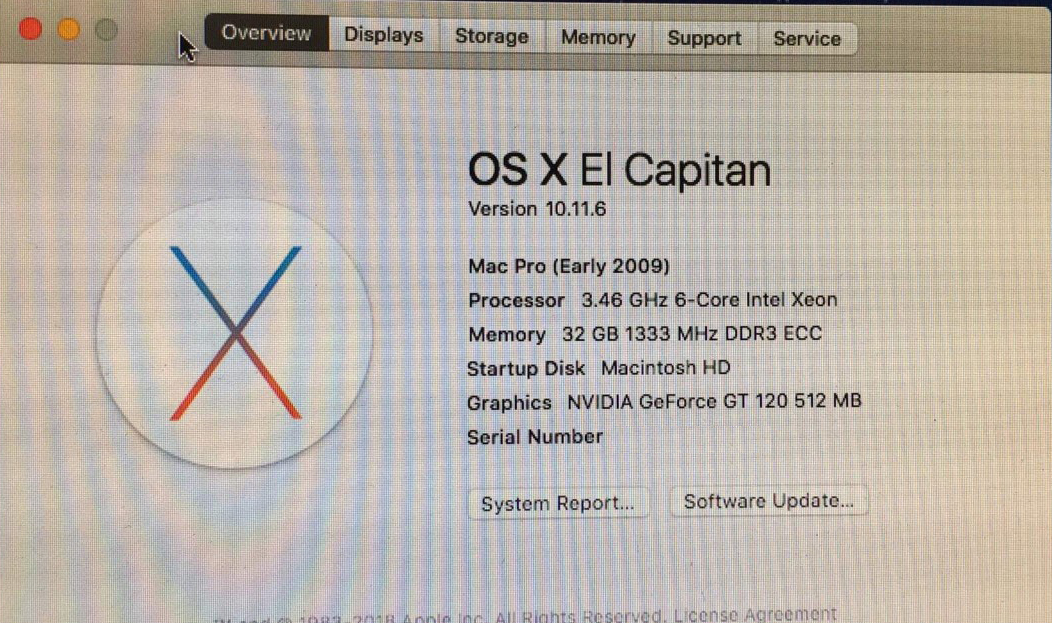
Since like the result same as my expectation.